
Connecting to Cloud Databases from OpenStack Flex VMs
Connect to Legacy DBaaS instances from the new Rackspace Cloud.
Currently, Rackspace Cloud's OpenStack Flex platform does not have the same Database-as-a-Service offering that the Legacy Rackspace Cloud offered. However, you can still take advantage of the new platform for compute instances - and connect back to your Cloud Databases on the legacy platform. This article will cover the two options available.
Be aware that using these methods of connection require traffic to pass over the Public Internet. This will result in outbound bandwidth charges.
Option 1: Connecting by Using a Cloud Load Balancer
This section describes how to connect by using a cloud load balancer.
Copy the Instance Hostname
Use the following steps to copy the instance hostname:
- Log in to the Cloud Control Panel.
- In the top navigation bar, click Select a Product > Rackspace Cloud.
- Select Databases > MySQL.
- Click the name of the instance that you want to connect to the load balancer and view the details for the instance.
- Note the region in which this database is located. You must create the load balancer in the same region.
- Copy the hostname string.
Create a Load Balancer for the Instance
Use the following steps to create a load balancer for the instance:
- In the top navigation bar of the Cloud Control Panel, click Networking.
- In the menu, under Create Resources, click Load Balancer.
- Enter a name for the load balancer.
- Specify the same region in which your database instance is located.
- In the Configuration section, select Accessible on the Public Internet for the Virtual IP option.
- Select MySQL for the Protocol/Port.
- In the Add Nodes section, click Add External Node.
- Paste the hostname string of the database instance in the IP or Hostname field.
- Enter the default MySQL port 3306 in the Port field.
- Click Add External Node.
- Click Create Load Balancer.
The load balancer is created, and your database is accessible through the load balancer. So instead of using the hostname to connect to your Cloud Database's MySQL command line, you'll use the Public IP address of the Load Balancer in place of the hostname.
Option 2: Connect to a High Availability Instance by Using a Public IP Address
If you have a Rackspace Cloud Database that was created as an HA Group, and you enabled the public access at the time of creation, you can connect using these public load balancer URLs. For information about connecting to a High Availability Cloud Databases instance by using a public Internet Protocol (IP) address, see High Availability for Cloud Databases.
- Log in to the Cloud Control Panel.
- In the top navigation bar, click Select a Product > Rackspace Cloud.
- Select Databases > MySQL.
- Click the name of the instance that you want to connect to and view the details for the instance.
- Scroll down and look for the HA Group Networks section, inside of this you'll find two public URLs which can be used to access the HA Cloud Database.
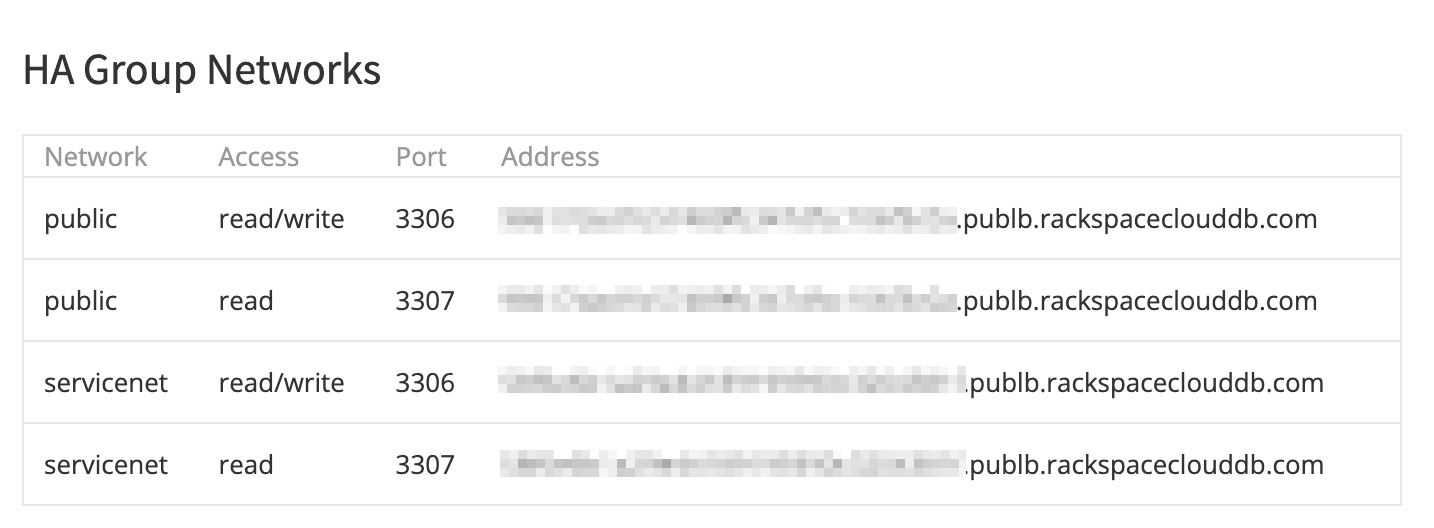
HA Group Networks section
- Be sure to scroll down further and adjust the 'Allowed IP Address Ranges section so that your Flex instance's IP is allowed.
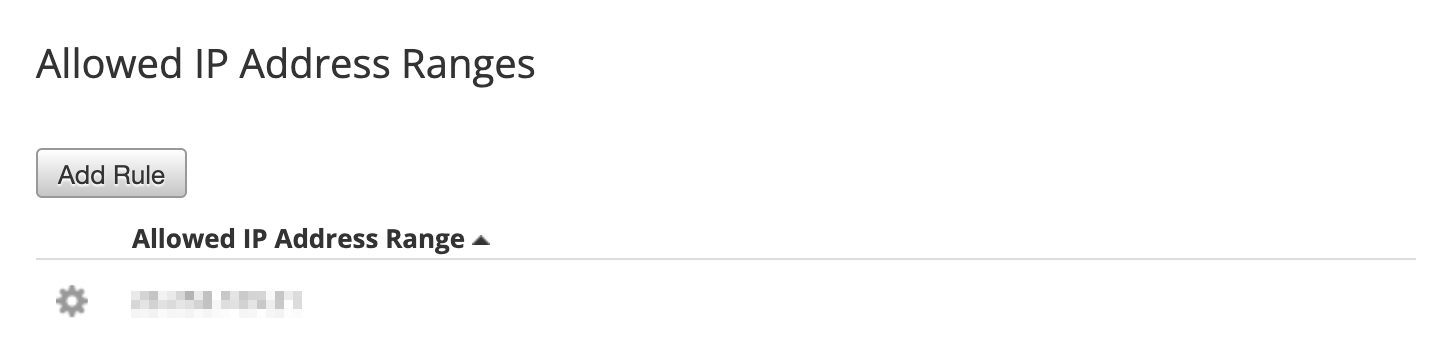
Allow your IP through to the HA Group here.
Updated 6 months ago